Crypto Guide
Getting into crypto mining isn’t easy—it’s a complex and tech-heavy process. But if you’re up for the challenge, it might just pay off.
Getting Started
To begin your mining journey, make sure you’ve got at least one of the following items:
- Crypto Rack
- Crypto Wallet
- 1 or more Graphics Cards (GPUs)
- 1 or more Power Supplies (PSUs)
- Laptop
Step-by-Step Setup:
Place your Crypto Rack somewhere safe inside your home.
Choose which cryptocurrency you want the rack to mine.
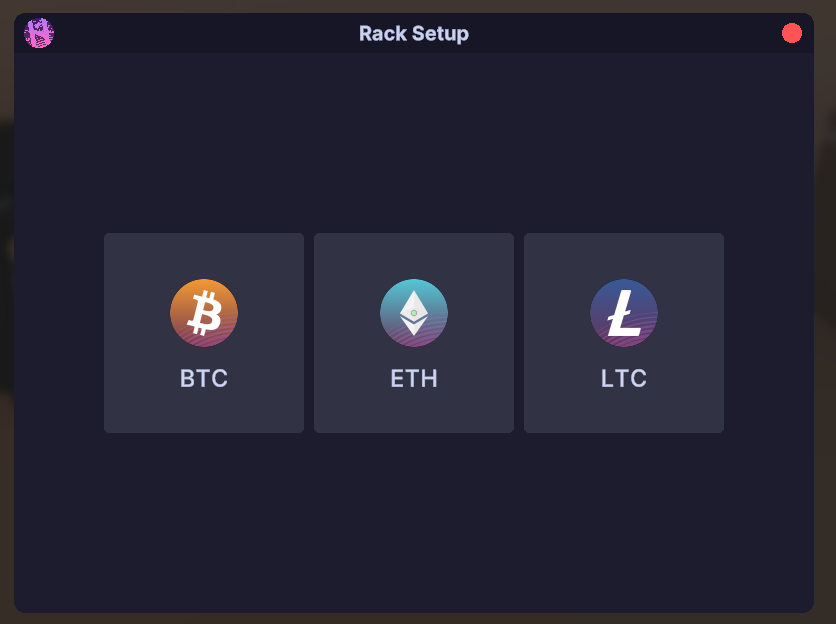
Put your Laptop on a surface like a table and power it on.
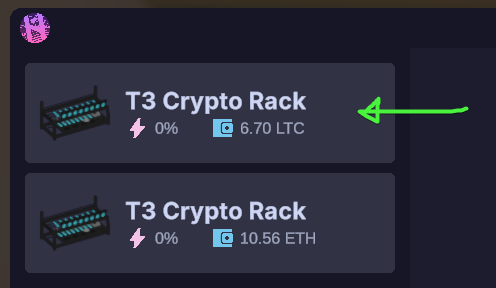
On the laptop, select your Crypto Rack from the menu on the left.
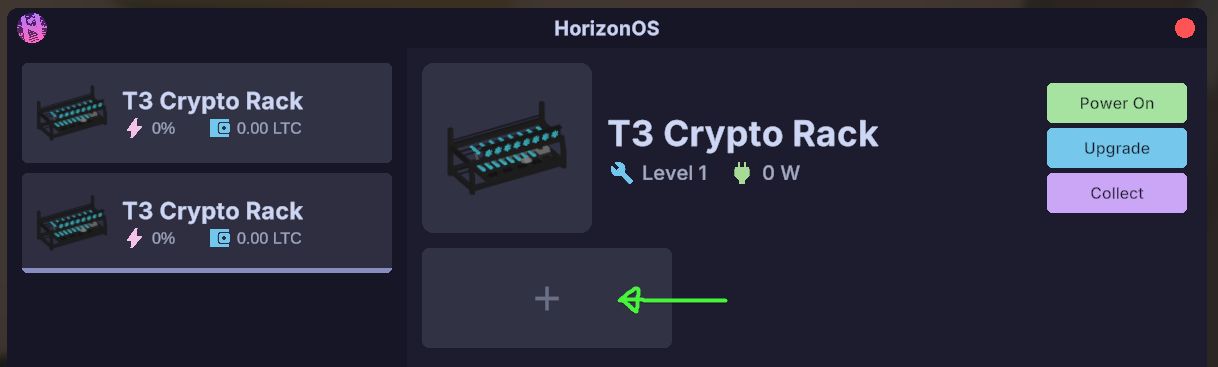
- Click the
+icon to install equipment like GPUs and PSUs into your selected rack.
INFO
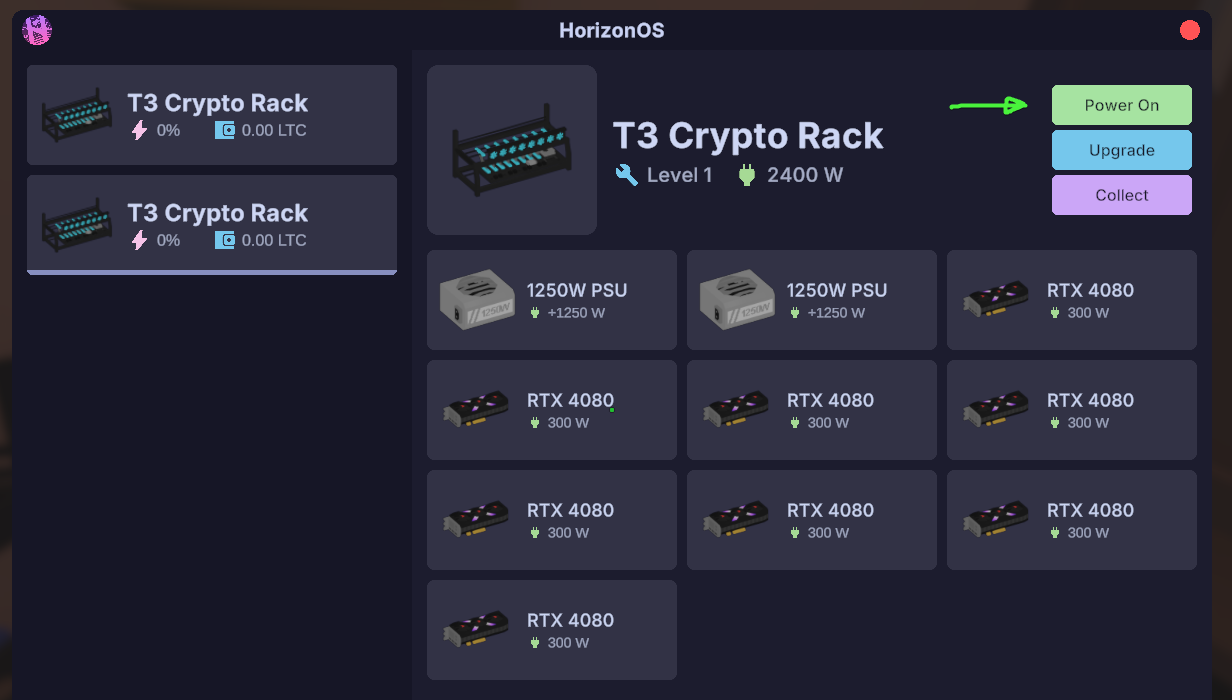
You need at least one GPU and one PSU in your rack for it to start mining.
- Once everything’s installed, hit
Power Onto boot up the rack.
TIP
Don’t forget to fuel your Crypto Rack regularly to keep it up and running.
- When some cryptocurrency has been mined, hit
Collectto move the funds into your Crypto Wallet.
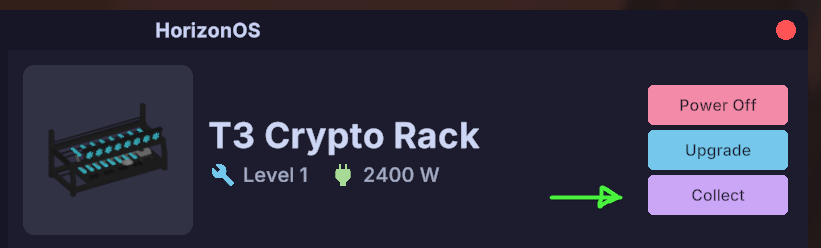
From here, you can grow your setup by adding more racks, upgrading your gear, or trying out different coins.
TIP
You can enhance your Crypto Rack using the Upgrade button on your Laptop. This boosts mining speed and efficiency.
Crypto ATMs
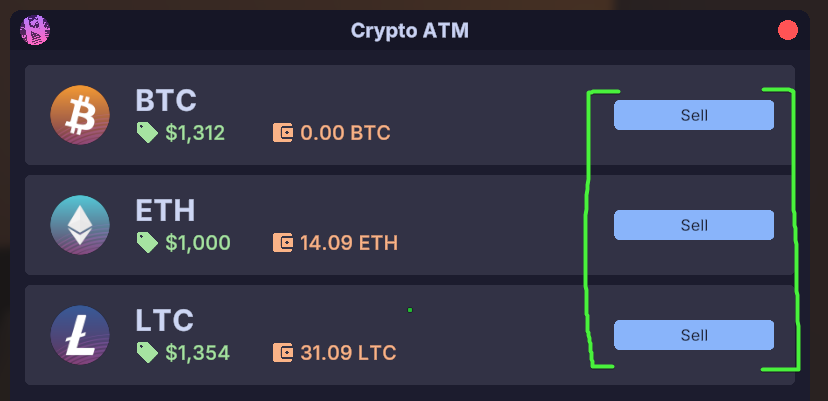
You can cash out your mined coins at the Crypto ATM, typically found in the Tech Store.
Use the Crypto ATM
Press
Sellnext to the cryptocurrency you want to offload.
TIP
Each coin can behave differently on the market. Some are more volatile than others—try a few and see what works best.
Crypto Racks
Higher-end racks let you plug in more GPUs and PSUs, plus they hold more fuel—meaning less downtime and better performance.
| Model Name | PSUs | GPUs | Cost | |
|---|---|---|---|---|
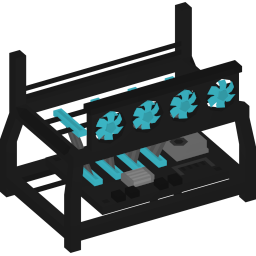 | T1 Crypto Rack | 1 | 4 | $55,000 |
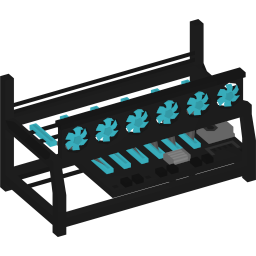 | T2 Crypto Rack | 2 | 6 | $125,000 |
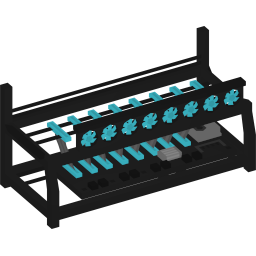 | T3 Crypto Rack | 2 | 8 | $300,000 |
Graphics Cards (GPUs)
Better GPUs mine faster and bring in more coins, but they’ll also use more power and burn through fuel faster.
TIP
Not all GPUs are created equal—some offer better mining output per watt than others.
| Vendor | Model Name | Power | Cost | |
|---|---|---|---|---|
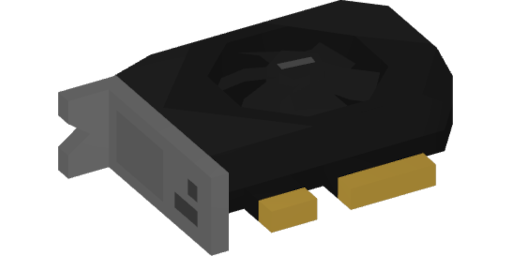 | NVIDIA | RTX 4060 | 120 W | $35,000 |
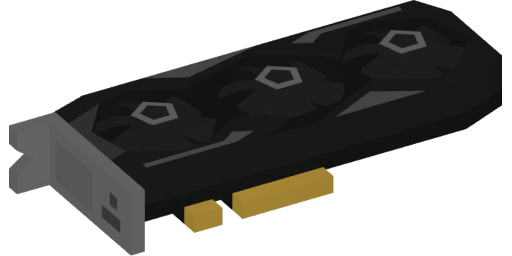 | NVIDIA | RTX 4070 | 200 W | $50,000 |
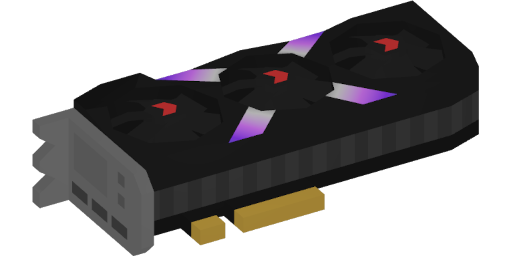 | NVIDIA | RTX 4080 | 300 W | $80,000 |
 | AMD | RX 7600 | 150 W | $30,000 |
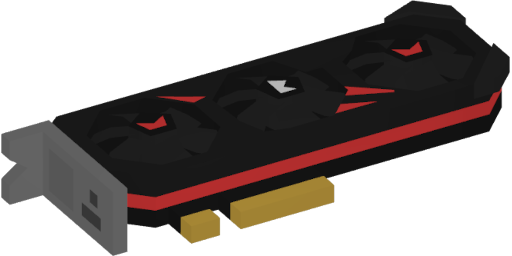 | AMD | RX 7800 XT | 250 W | $45,000 |
 | AMD | RX 7900 XTX | 320 W | $75,000 |
Power Supplies (PSUs)
Your PSU powers everything. Skimping here is risky—it’s essential for a stable mining operation.
WARNING
Cutting corners with your PSU can lead to problems down the line.
| Model | Certification | Cost | |
|---|---|---|---|
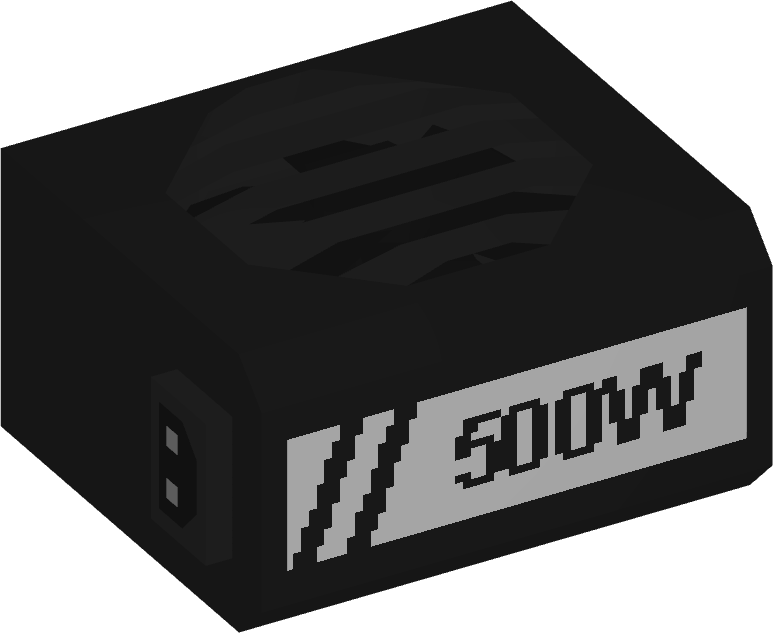 | 500W PSU | 90+ Bronze | $25,000 |
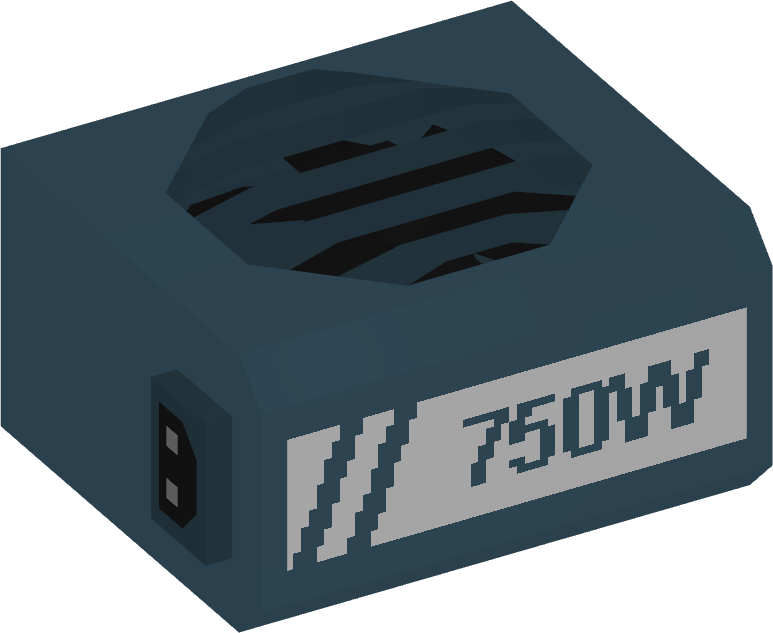 | 750W PSU | 90+ Gold | $35,000 |
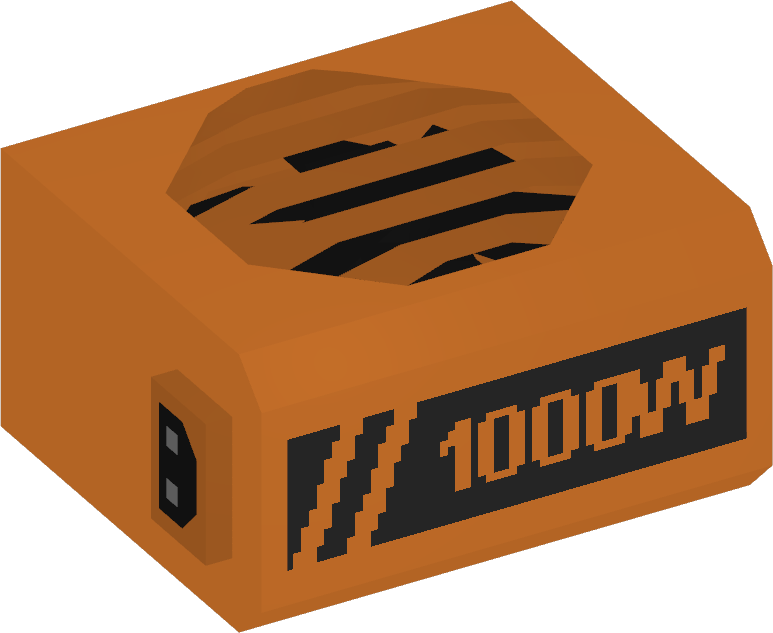 | 1000W PSU | 90+ Platinum | $50,000 |
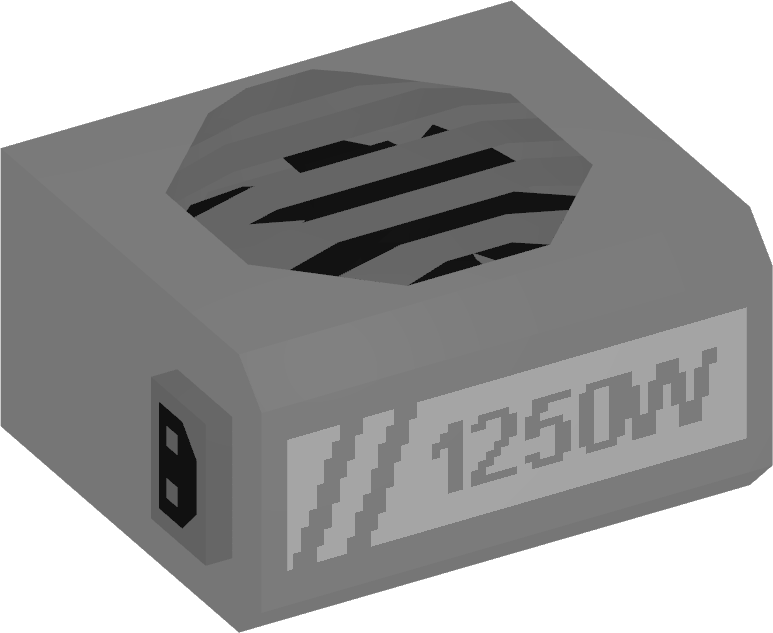 | 1250W PSU | 90+ Titanium | $65,000 |
FAQ
A few common questions about crypto mining in the server:
- Q: What does upgrading a Crypto Rack do?
A: It boosts how efficiently and quickly the rack mines.
- Q: Can I buy cryptocurrency instead of mining?
A: Not yet, but that might be added in a future update.
- Q: Why does my rack keep turning off?
A: Check if it’s out of fuel, missing power, or if a GPU is faulty.
- Q: Does mining continue while I’m offline?
A: Yes, though eventually your rack will run out of fuel unless refueled.